
Can I Send a Broadcast Message on WhatsApp? Yes, With Limits
You can send a broadcast message on WhatsApp through three paths: personal broadcast lists, the free Business app, or the official WhatsApp Business API, and only the third one survives scale. The path you choose determines your ceiling, your cost, and whether your number gets flagged. Most guides treat all three as interchangeable. They are not, and the gap widens the moment you go past a few hundred contacts.
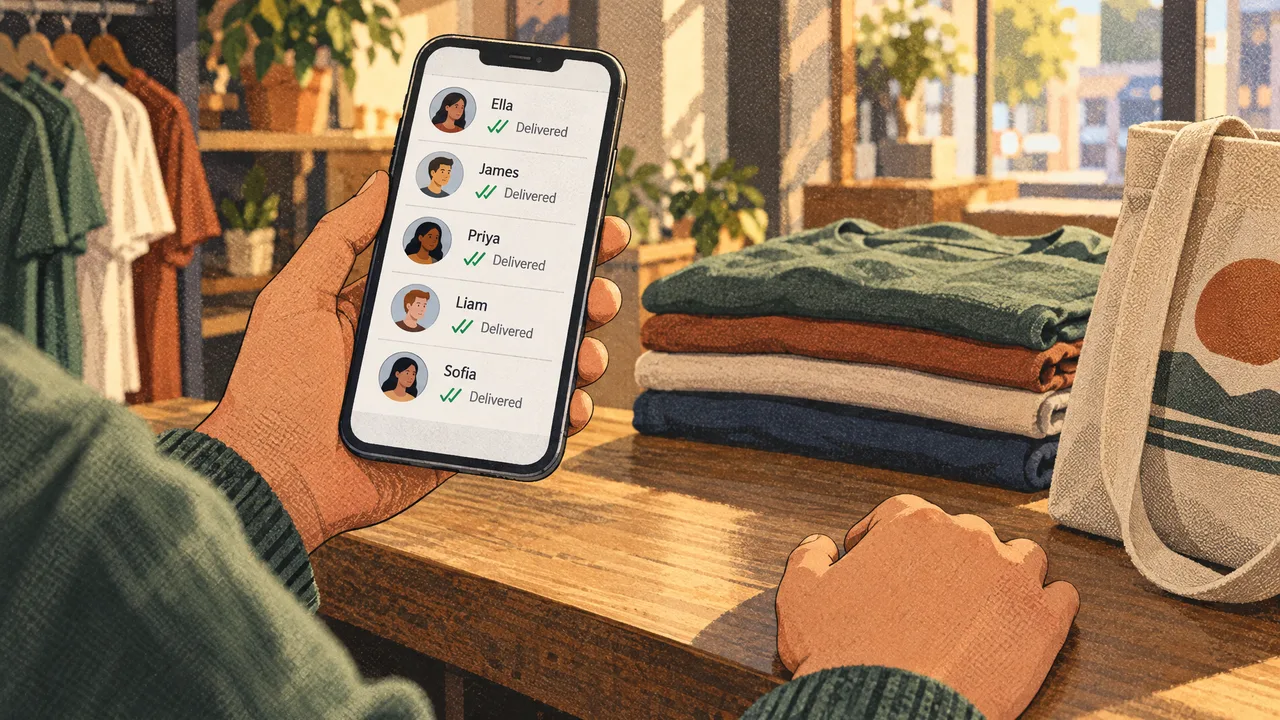
Every broadcast tool you use makes the same quiet disclosure to the recipient. The message arrives as a one-to-many send, not a personal chat, and WhatsApp is transparent about that. The real question is not whether you can broadcast. It is whether the channel you pick can carry the volume you need without triggering the platform's abuse systems. That framing changes the answer for every business past its first campaign.
How Each Broadcast Path Actually Works
The consumer app's broadcast list is a distribution trick, not a messaging system. When you build a list on a personal account, WhatsApp sends an individual message to each recipient who has your number saved. The recipient sees a normal chat, not a group, and replies land back in your inbox as separate threads. That is the whole mechanism: one outbound message, duplicated N times. Nothing is shared, nothing is coordinated.
The Business app adds a few tools on top of that same primitive. WhatsApp Business is a free-to-download app with built-in tools to help you work smarter, build trust, and grow your business, per Apple's App Store listing. The broadcast feature there inherits the same private 1:1 delivery model, and the official documentation describes Business app broadcasts as private 1:1 messages to multiple people at once, and notes you can message people even if they haven't saved your number, per WhatsApp Business. That last detail matters more than most guides admit.
The API is a different animal. You register a business phone number with Meta, verify it, pre-approve message templates, and then send through a programmatic pipeline. A hosted platform sits between your data and the API, handles the template submission, queues the sends, and routes replies into a shared inbox. If you want to see how that pipeline looks in code, a 2021 paper on chatbot implementation for broadcast and automatic reply messages published by IEEE walks through exactly this in Python.
The three paths converge on one thing: all of them send one-outbound-many-times. The API just does it at a scale the other two cannot reach.
Why Broadcasts Break in Practice
A broadcast list on a personal account is capped, and the cap exists because WhatsApp does not want that channel used for marketing. Send to enough people often enough and your number lands in the platform's abuse queue. The recipient never sees the queue, but they stop receiving your messages, and the silence is indistinguishable from a bad campaign.
Consent is where most broadcast strategies quietly fail. A list you built from imported numbers, scraped leads, or an old CRM export is not the same as a list of people who asked to hear from you. The companies that get flagged are almost never the ones sending too much. They are the ones sending to people who never gave permission, and the opt-in order that governs contact lists is what separates a campaign that runs for years from one that dies in a week.
Reply handling is the failure most operators do not see coming. A broadcast to 500 people produces replies, and those replies land in the same inbox as your one-to-one support chats. Without routing rules, the thread disappears. This is not a WhatsApp limitation. It is the absence of a shared inbox and a session timer, and it is the single most common reason a business moves off the free app after its first real campaign.
How to Do It Step by Step
The Business API path is the only one worth building a repeatable process around, and the sequence below reflects how the official pipeline expects you to move.
- Register a dedicated phone number with Meta through a Business Solution Provider or a platform that connects to the API, and complete business verification before you send anything.
- Segment your contact list by consent source and last interaction, so a lapsed contact and a fresh opt-in never sit in the same send.
- Draft message templates for the categories you will broadcast most, submit them for Meta approval, and expect at least one rewrite before approval.
- Map your placeholders to real contact fields (first name, order number, appointment date) so the message does not arrive with a blank variable.
- Schedule the send outside quiet hours in the recipient's time zone, and cap the volume per batch rather than pushing everything at once.
- Route replies into a shared inbox with assignment rules, so the responses that follow a broadcast get answered by someone who owns them.
The Business app path is shorter but harder to scale. Open the app, tap Broadcast, add the recipients you have opt-in for, compose the message, and send. That works up to a few hundred contacts. Past that, the list management becomes manual and the reply handling falls back on you.
If you want the deeper version of this sequence, our guide on broadcast best practices for the Business API walks through template approval and batching in more detail than this section can hold.
Common Mistakes That Cost You the Number
Sending a broadcast to a list you scraped rather than grew is the fastest route to a flagged number. Meta's abuse detection looks at recipient engagement, not just send volume. A list where nobody replies looks like spam even if every message was technically compliant. The fix is smaller, segmented lists of people who opted in, not larger sends to a bigger pool.
Using the free Business app for the volume that requires the API is a close second. The app's broadcast feature works fine at a few hundred contacts. It starts failing when you push past that, and the failure looks like messages that send but do not deliver. Teams read that as a network problem. It is a scale problem.
Treating the 24-hour messaging window as a formality is the third mistake, and it costs the most money in re-sends. Outside that window, you need an approved template. Inside it, you can reply freely. Sending a promotional template outside the window without prior consent gets it rejected, and the recipient never knows you tried.
Failing to prepare for the reply volume is the fourth. A broadcast without a response plan is a one-way channel. The businesses that get real revenue from broadcasts treat the send as the opening of a conversation, not the end of a campaign.
What the Numbers Say About Broadcast Scale
The Business API path is not theoretical. A message can go to 1,000 or 10,000 recipients simultaneously once you are on the official infrastructure, per Qualimero's analysis of broadcast privacy. That is the scale the API was built for, and it is the number that separates a platform from an app feature.
Scale brings its own risk. The same analysis warns that companies risk a double trap: the privacy trap under GDPR and a reply trap of response chaos, per Qualimero. Both traps get worse as the list grows, which is why segmentation and a shared inbox matter more at 5,000 contacts than at 500.
The Business app's broadcast list is the low-volume end of this spectrum. It is described in the same documentation as a private send to multiple people at once, so the mechanism is identical, just smaller. The Business app does not require the recipient to have saved your number. Neither does the API.
How We Handle This at WhatsBox
We built WhatsBox as a WhatsApp Business API messaging platform, and broadcasts are one workflow inside it, not a separate product. Our bulk broadcast campaigns send through the official WhatsApp Business API, which is what keeps the number compliant at volume. The Shared Team Inbox carries session timers and assignment rules, so the replies a broadcast generates land with an owner rather than in an unread pile.
The features that matter for a broadcast workflow are the unglamorous ones. Custom-trained AI chatbots handle the first reply when someone responds with a question, and human-in-the-loop escalation passes the complex cases to a person. Workflow automations run through an embedded Zapier integration, and the Google Sheets and Google Forms integrations let you pull a consent list from a spreadsheet or collect new opt-ins from a form. A whitelabel WhatsApp chat widget puts the same entry point on your website.
Pay-Per-Use is our only tier right now. It is free during the beta phase, with no monthly seat fees, no user limits, and no contracts. We do not publish a per-message figure here, because the pricing page carries the current number and it changes. The WhatsBox pricing page has the live rate. If you want to talk through your broadcast volume before you commit to a send, our contact page is the right place to start.
If you are running a handful of broadcasts to a small list and you do not need a shared inbox or template automation, the free Business app covers that. Pick it for that job. Come back when the list outgrows the app.
Frequently Asked Questions
Will the person know if I send a WhatsApp broadcast message?
Yes. Every broadcast path delivers the message as a one-to-many send, so the recipient sees it outside the pattern of a normal personal chat. WhatsApp does not label it as a broadcast explicitly, but the absence of prior conversation and the generic tone make it obvious. This is not a bug to work around. It is why opt-in consent matters: a recipient who expects to hear from you reads the message as intended, and one who does not reads it as spam.
Is it free to send a WhatsApp broadcast message?
Broadcast lists on a personal account cost nothing, and the Business app's broadcast feature is free because the app itself is free. Once you move to the official Business API, sends are billed per message outside the free service window, and the rate varies by message category and country. That is where the cost question actually lives. The free paths exist, but they cap out at the volume where a business needs the API.
Can I send WhatsApp broadcast messages without saving my contact number?
Yes, on both the Business app and the API. The official documentation confirms you can message people even if they have not saved your number, which means neither you nor the recipient needs to add a contact entry first. What you cannot skip is consent. The number does not need to be in their address book, but the person on the other end needs a legitimate reason to receive the message.
What is the difference between broadcast and group in WhatsApp?
A broadcast is a one-to-many send where each recipient gets a private copy and replies come back to you individually. A group is a shared thread, so every member sees every message and every reply. Broadcasts fit announcements, order updates, and promotions to a segmented list. Groups fit conversations where the participants need to see each other, like a project team or a community. Mixing the two, such as running a group as a marketing list, gets you muted.