
Train a Custom AI Chatbot for WhatsApp: It's the Knowledge Base, Not the AI
To train a custom AI chatbot for WhatsApp support, you upload your business knowledge sources, such as PDFs, website content, or FAQ documents, into a chatbot platform that connects to the WhatsApp Business API. The AI then learns from that data to answer customer questions automatically, 24/7, with human escalation for complex issues. The technical part has been solved by no-code platforms. What separates a chatbot that delights customers from one that frustrates them is the quality and structure of the knowledge base you feed it. Most guides skip this and focus on the model. That's backward.
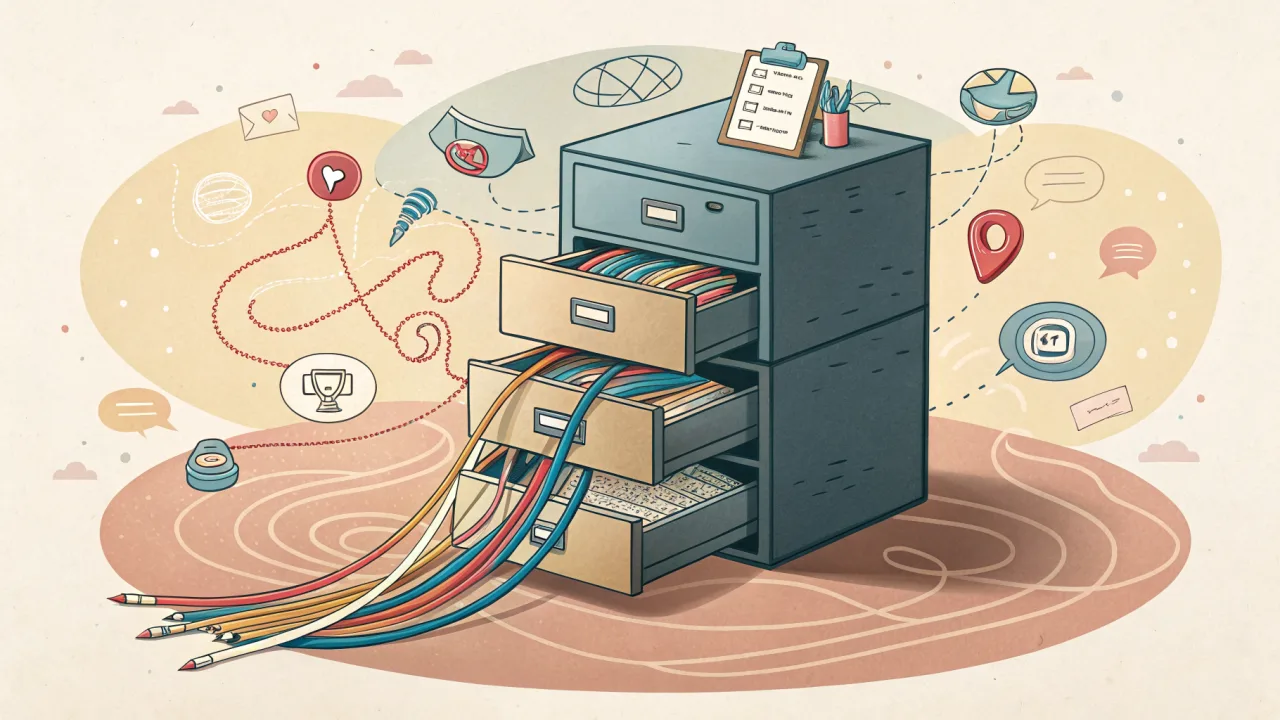
What It Takes to Train a Custom AI Chatbot for WhatsApp Support
The phrase "train custom ai chatbot for whatsapp" conjures images of data scientists tuning models. In practice, it is closer to curating a well-organized library for your customers to browse through, with a robot librarian who reads every book before answering.
The core ingredients are:
- A knowledge base built from your business's unique information, product catalogs, support documentation, pricing sheets, order policies, chat transcripts.
- An AI model that can understand natural language and retrieve answers from that knowledge base.
- A connection to the official WhatsApp Business API so messages are delivered reliably and in compliance with Meta's policies.
Platforms like Growwstacks enable this by letting users upload PDFs, Word files, website URLs, or sync with tools like Zoho and Notion to build no-code AI chatbots for WhatsApp. The AI does the heavy lifting. Your job is to give it the right material.
Rule-Based vs. AI Chatbots
A rule-based chatbot works from a flowchart: if the customer types "track order," show order tracking options. That works for predictable paths, but it breaks when a customer says, "I need to know where my package is and also change the delivery address."
A custom AI chatbot trained on your knowledge base handles that. It understands intent, synthesizes multiple pieces of information, and returns a coherent answer. It is not smarter. It is better informed.
Knowledge Base as the Core
You cannot train a custom AI chatbot for WhatsApp by throwing a few FAQ pages at it and hoping for the best. The knowledge base needs to be comprehensive and current. Missing a product version or an old price leads to confidently wrong answers that erode trust fast.
We see this pattern repeatedly. A business spends days configuring the chatbot, then watches it flounder on simple questions because the knowledge base has gaps. The fix is not better AI. It is better content.
What Training a Custom AI Chatbot Actually Means
Training a custom AI chatbot for WhatsApp means building a knowledge base from your business's unique information and connecting that knowledge base to a conversational AI that responds via WhatsApp. The model is a retrieval engine. It does not invent answers; it finds them in your data.
This is different from a generic large language model that answers from its training corpus. That generalist AI might give you directions to a restaurant in Paris when you sell pizzas in Omaha. A custom-trained chatbot only answers from what you put in.
How the Technology Works Underneath
When a customer asks a question, the platform converts it into a vector embedding, searches a vector store of your knowledge base content, retrieves the most relevant passages, and passes them to the language model to formulate a reply. This retrieval-augmented generation (RAG) approach ensures the answer is grounded in your data.
Workflow templates like the n8n WhatsApp Sales Agent demonstrate this architecture: a product catalog lives in a vector store, and the AI sales agent queries it to answer customer questions via WhatsApp. The model never guesses. It always cites.
How to Train a Custom AI Chatbot for WhatsApp: A Step-by-Step Framework
This is a procedure where each step depends on the previous one, so a numbered list is the right format.
- Export your existing chat history (optional but valuable). Navigate to a WhatsApp conversation, click the three dots, select 'More' > 'Export chat' > 'Without media' to generate a ZIP file containing a .txt file of the chat history. This gives the AI examples of real customer language and your team's response patterns. Hokentech provides a detailed guide for this step.
- Compile your knowledge sources. Gather PDFs, Word documents, website URLs, FAQ pages, product catalogs, and standard operating procedures. The more specific the content, the better. A 10-page policy document beats a 200-page industry report.
- Choose a no-code AI chatbot platform that connects to the WhatsApp Business API. We will recommend our own platform later, but any viable option must use the official API, not unofficial workarounds.
- Upload your knowledge base to the platform. Most platforms accept multiple file types and sync with CRMs. Platforms like Infobip offer end-to-end guides for this stage, from API setup to conversation flow design.
- Configure the chatbot's behavior. Set the tone (professional vs. casual), define escalation triggers (e.g., when the AI expresses low confidence, hand off to a human), and write fallback responses for out-of-scope questions.
- Connect the chatbot to your WhatsApp Business number. You will need a verified Business Profile via the WhatsApp Business API. The platform handles the messaging channel; you provide the business details.
- Test with real customer queries. Run a set of typical questions through the chatbot. Check for accuracy, tone, and completeness. Refine the knowledge base where answers fall short.
- Launch with human-in-the-loop oversight. Complex queries should escalate to a live agent. This ensures quality during the early days while the chatbot gains confidence.
Why This Training Framework Works for WhatsApp Support
A custom-trained AI chatbot works because it is grounded in your specific business data, not generic internet knowledge. This means it can answer nuanced questions about your products, policies, and processes with accuracy.
The WhatsApp Business API ensures deliverability and compliance with Meta's policies. Unofficial API tricks risk getting your business number banned. Using the official API from the start is non-negotiable for any company that values its relationship with customers.
Grounded Responses Build Trust
When a customer asks, "Do you offer overnight shipping to Columbus, Ohio?" a general chatbot might say "We offer various shipping options." A custom chatbot trained on your shipping policy table knows the exact answer: "Yes, overnight shipping is available for Columbus. It costs $14.99 and arrives by 10:30 AM."
That precision reduces follow-up questions and builds confidence. The customer feels the chatbot actually knows your business. It does, because you told it.
Compliance and Deliverability
Meta enforces strict messaging windows and template policies. A custom AI chatbot trained on the official WhatsApp Business API respects those rules automatically. How to Send Bulk WhatsApp Messages Without Getting Banned covers this compliance framework in detail.
Human-in-the-Loop as Safety Net
No chatbot is perfect. The best ones know when to step back. A platform that supports smooth escalation, where the AI hands off to a human agent with full conversation context, prevents the chatbot from damaging relationships when it hits its limits.
Key Criteria for Choosing a WhatsApp AI Chatbot Platform
Use these dimensions to evaluate any platform. They apply to all options, not just ours.
- Knowledge base flexibility. Can you upload PDFs, Word files, website URLs, and sync with CRMs like Zoho or Notion? Some platforms only accept free text. That limits what you can train.
- WhatsApp Business API compliance. Is the connection through the official API or an unofficial bridge? Unofficial bridges work until Meta bans the underlying number. Official API is the only safe path for ongoing support.
- Human-in-the-loop escalation. Can the chatbot hand off to a live agent mid-conversation without breaking context? This is critical for support use cases where complex issues inevitably arise.
- No-code vs. code-required setup. A no-code platform lets you train the chatbot by uploading files. Code-required platforms give more control but demand developer time. For most small-to-midsize businesses, no-code is sufficient.
- Pricing model. Per-message billing scales naturally with usage. Per-seat or flat monthly fees can balloon when you have many agents or high message volumes. Look for models that align with your actual traffic.
- Integration ecosystem. Zapier, Google Sheets, and CRM connectors allow the chatbot to pull order statuses, update customer records, and trigger workflows automatically. A chatbot that cannot read your CRM is half as helpful.
- Scalability. Can the same platform handle bulk broadcasts (marketing) alongside one-on-one support conversations? Some platforms optimize for one or the other. A unified platform avoids splitting your tech stack.
Common Mistakes When Training a WhatsApp AI Chatbot
The most common mistake is uploading a knowledge base that is too sparse or too generic. The AI responds with vague answers that frustrate customers. The fix is not adding more data, it is adding the right data. One concrete product manual is worth ten generic industry reports.
The subtler trap is not updating the knowledge base when products, prices, or policies change. An AI chatbot that confidently quotes last quarter's pricing damages trust more than a human who admits uncertainty. Set a monthly review schedule for the knowledge base.
The expensive failure is skipping human-in-the-loop escalation. The chatbot handles complex or sensitive queries alone, either giving wrong answers or creating compliance risks. We have seen businesses lose customers this way.
Another mistake is using an unofficial WhatsApp API to avoid Meta's compliance costs. Save a few dollars on API fees, lose your business number, and spend weeks rebuilding your WhatsApp presence. The official API is not optional, it is table stakes for doing business on WhatsApp.
How WhatsBox Makes Custom AI Chatbot Training Simple
We built our platform to remove the friction from training a custom AI chatbot for WhatsApp. Our custom-trained AI chatbot accepts PDFs, Word files, website URLs, and other knowledge sources. You upload your material, and the AI learns from it.
Our platform connects directly to the official WhatsApp Business API, so your compliance is automatic. No bridge, no risk of ban. We include human-in-the-loop escalation that routes complex queries to a shared team inbox with session timers and assignment. When the AI reaches its limit, a real agent picks up without asking the customer to repeat themselves.
Pricing and Availability
WhatsBox is currently free during our beta phase, no credit card required. Once we exit beta, our pricing will be straightforward: $0.0025 per message with unlimited everything. No per-seat fees, no hidden costs. You pay only for the messages you send.
For teams using our optional AI Agent (which provides advanced knowledge base indexing and semantic search), separate token-based pricing applies on top of message costs. The core platform (conversation management, team inbox, and basic automation) remains simple message-based pricing.
Integrations and Workflows
We integrate with Zapier, Google Sheets, and Google Forms so the chatbot can trigger workflows, reading order data, updating CRM records, sending follow-ups. How to Automate WhatsApp Replies for Sales walks through real examples of how a custom chatbot can qualify leads and book meetings while you sleep.
Team Collaboration
Our WhatsApp Shared Inbox for Customer Support keeps your entire support team aligned when the chatbot needs human input. Multiple agents can manage conversations from a single WhatsApp Business number, with session timers and assignment to prevent duplicated replies.
We are trusted by 2,500+ businesses. You can start training your custom AI chatbot in minutes. The hard part is still your knowledge base. But at least the software won't get in the way.
How to Send a Link in WhatsApp: Why Most People Do It Wrong (and What to Do Instead)
Most guides treat sending a link in WhatsApp as a single action: copy, paste, send. The real skill is knowing which method fits the situation, manual paste for casual chats, click-to-chat links for public touchpoints, and API-generated links for campaigns at scale.
What to Ask When Choosing a WhatsApp Business API Platform: The Questions Most Buyers Get Wrong
Most evaluation checklists for WhatsApp Business API platforms are stuck in 2020. This guide argues the single most important question isn't about broadcast reach or chatbot templates, it's about how the platform manages two-way conversations between your team and every customer.