
WhatsApp Lock Chat Explained: What It Protects and What It Doesn't
WhatsApp lock chat moves a conversation into a protected folder that opens only after your device passcode, fingerprint, or face check. It is a local, per-device privacy habit, and that single trait is what makes it work well for one person and poorly for a team. The setting hides a thread from whoever picks up the phone; it does not decide who on your side should see a customer conversation in the first place.
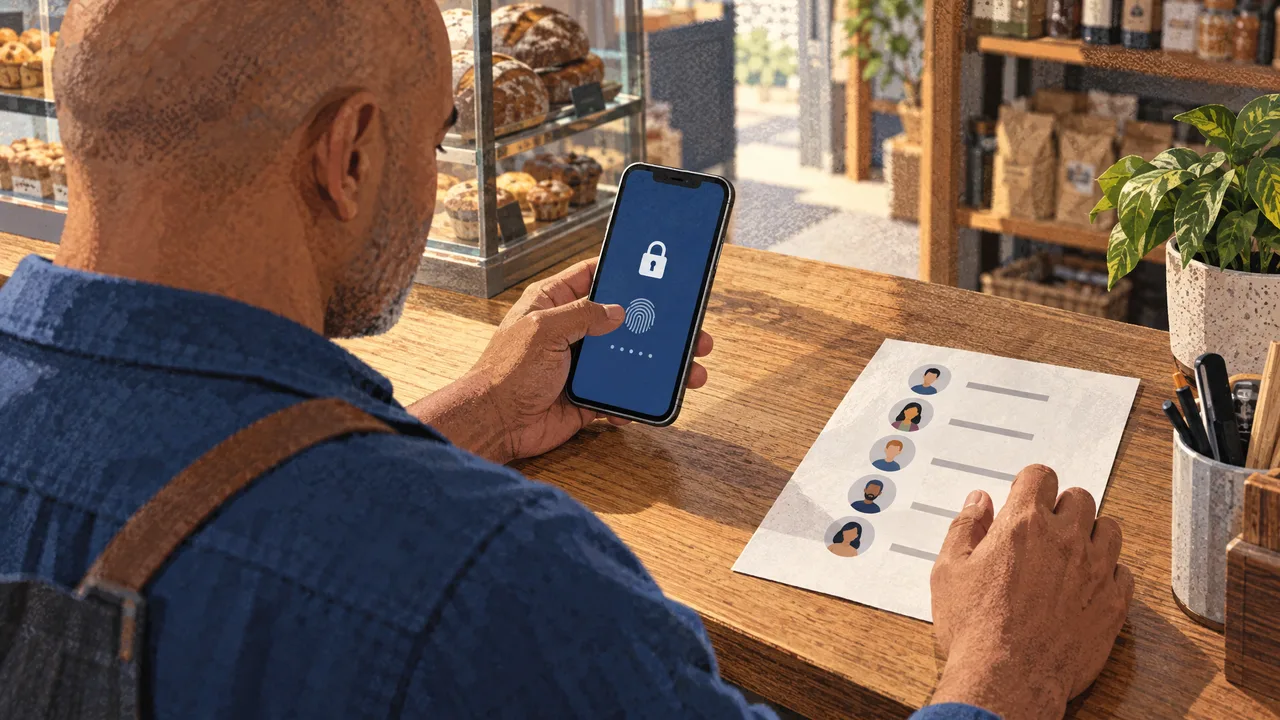
What Chat Lock Covers on a Phone
Chat Lock is a phone-level privacy setting that hides selected one-to-one or group threads behind your device authentication. You pick a conversation, you confirm with your passcode or biometric, and from then on that thread lives in a folder you have to unlock before reading it. Nothing about the other participant's phone changes.
The feature serves a specific reader: someone who hands their phone to another person regularly and wants a handful of conversations to stay out of casual view. Family threads, messages from a solicitor, a thread with a recruiter while you are still employed somewhere else. On the business side, it fits a sole trader whose phone doubles as their work line.
It differs from two things people confuse it with. It is not a block and not a mute. Messages keep arriving, and the sender gets no signal that the thread is locked. It also differs from the access controls a business messaging platform gives you, where visibility is attached to a role rather than to a device. For teams running customer conversations over the chat API WhatsApp integration, the difference matters more than the setting itself.
Criteria That Actually Separate Locking Options
Judge a locking setup on four things, each of which you can verify on your own phone in a minute. Device behaviour varies here more than most guides admit, so the criteria matter more than a version number.
| Criterion | What to check | Why it changes your decision |
|---|---|---|
| Concealment level | Lock the thread, then look at your chat list | Some builds show a "Locked chats" row at the top; others push the thread out of previews and notification text entirely |
| Lock trigger | Test with the screen locked and unlocked | A passcode prompt every open gets old fast if you read the thread fifty times a day |
| Message continuity | Send yourself a message from a second phone | Confirms the thread still delivers while the lock is on |
| Sharing behaviour | Back up the device, then restore on a spare | Shows whether the lock travels with the account or resets on the new handset |
The last row is the one that decides team use. A lock that resets on a new device, or fails to apply when a colleague signs into the same account, is a personal preference rather than a control. Meta's own billing documentation draws the same line: businesses that access the WhatsApp Business Platform directly can pay by credit card or by credit line with Meta, which is invoiced monthly per the WhatsApp for Business FAQ. Billing is attached to the business entity, because the business entity is what the platform recognises. A lock is attached to your handset, because your handset is what it recognises.
Turning Locking On Without Losing Threads
The order below matters, because a few of these checks only make sense after the lock is active. Do them on the device you actually carry, not on a tablet that stays on a desk.
- Open the conversation you want to hide and tap the contact or group name to reach the chat info screen. Look for the locking option in the list before you touch anything else.
- Confirm with your passcode, fingerprint, or face check, then answer the prompt about hiding the thread's content in notifications. Answering that prompt is what removes the message text from your lock screen.
- Open the locked folder itself and check how it presents: scan the top of the chat list for a locked entry, and whether it asks for a passcode each time or only once per session.
- Send a message to that thread from a second phone and watch where the notification lands. Read where the message text appears, if it appears at all.
- Restore the account on a spare handset before you rely on the lock for anything that matters. A lock you assume survives a device change and does not is worse than no lock, because you stopped checking.
- Tell the people who share your phone that the folder exists, and what it asks for when they tap it. A locked thread that flags itself to an onlooker creates the exact awkward conversation you were trying to avoid.
None of this touches the other person's account, and nothing you do here will make a message fail to deliver.
What Happens on the Device When a Chat Is Locked
Locking changes how your phone stores and displays a thread. The messages sit in the same encrypted store as the rest of your chats; what changes is which screen can render them without authentication first. Your chat list, notification shade, and media viewers each check the lock state independently, which is why the concealment level varies so much between builds.
On notification delivery, the operating system asks the app for a preview string. When the thread is locked, the app returns a placeholder instead of the message body. That is the entire mechanism behind "hidden previews", and it explains why turning off notifications whitelists for the app can leak content: the placeholder only applies where the system respects the app's preview choice.
Backups behave separately again. A device-level backup captures the encrypted store as the phone writes it, so a restore on a new handset goes through the same setup flow rather than carrying your preference across silently.
Where Teams Misread the Setting
A shared number with a single lock on one phone is the most common mix-up. The lock follows the handset, so the colleague who signs into the same account from a laptop or a second phone never sees the folder at all. What starts as privacy becomes a two-person disagreement about who was supposed to answer a customer.
Locking is not a way to ignore someone. The thread still delivers, still counts toward unread badges, and still rings. Anyone using the lock to avoid a conversation will reopen the thread to a stack of messages plus a sender who never noticed the delay, which is the opposite outcome of a mute.
Some teams treat the lock as their audit trail. It records nothing. There is no timestamp for who opened the thread, no list of devices that unlocked it, and no way to prove after the fact that a customer conversation was handled by the right person. If you need that record, you need an inbox with assignment, not a folder with a passcode.
A last one is subtler: people enable the lock, forget it is on for a client thread, and then wonder why their notifications look empty for a week. A quick scan of the chat list after the first lock catches this, and it takes five seconds.
Managing Customer Conversations Without Device Locks
We build WhatsBox for teams whose customer conversations outgrow one handset. The shared team inbox with session timers and assignment is the control that device locking pretends to be: a conversation belongs to the team, a person is named on it, and the session clock tells you when the free reply window closes. Bulk broadcast campaigns run through the official API, and the custom-trained AI chatbots handle routine questions against a knowledge base you maintain.
Human-in-the-loop escalation exists for exactly the conversations a bot should not finish alone. Workflow automations run through an embedded Zapier integration, and Google Sheets and Google Forms cover the intake and reporting ends of that chain. The whitelabel WhatsApp chat widget puts a live chat entry point on your own website so those conversations land in the same place.
Two honest limits. A phone lock protects one person on one device, so a solo operator who never shares a handset will find native Chat Lock a complete answer and no reason to change tools. And if you want a system you own, self-host, and modify, a hosted platform is the wrong shape for that requirement.
Everyone else: the Pay-Per-Use tier is free during beta, with no monthly seat fees and no user limits. The current number lives on our pricing page, and you can reach us through contact us to get set up.
Frequently Asked Questions
What does locking a WhatsApp chat so?
It hides the thread behind your phone's passcode, fingerprint, or face check, and it usually strips the message text out of lock-screen previews. The conversation stays intact and keeps receiving messages; only the reading step requires authentication. The setting is stored on your device, so the other person sees no change at all and gets no signal that you have locked anything. Treat it as a screen-level privacy layer, not a change to the conversation itself.
How can you tell if someone has locked chats on WhatsApp?
From your own phone, you generally cannot. The lock lives on the other person's device, and there is no marker in the thread that tells you it exists. Looking at your own phone, the tell is a locked-chats row at the top of the chat list on some builds, and the absence of message text in notifications. That second sign is the more reliable one, and it varies by handset and operating system.
How to ignore someone on WhatsApp without blocking?
Mute the conversation if you want the messages to keep arriving quietly, or archive it to push it out of the main list. Both are reversible and neither tells the sender anything. Locking is the wrong tool, because a locked thread still delivers, still rings, and still shows an unread badge. If the goal is simply to stop reading a thread for a while, muting plus archiving gets you there without the passcode prompt every time you open it.
Can I still receive messages from a locked chat on WhatsApp?
Yes, delivery is unaffected. The message arrives, the notification fires, and any unread counter updates exactly as it would for an unlocked thread. What changes is where you see it: the folder asks for authentication before showing you the content, and notification previews typically carry a placeholder instead of the text. If a message ever fails to appear, the lock is not the cause, so look at your connection and storage instead.
Does locking a chat work on the WhatsApp Business app?
The setting shows up on the consumer app and on the business app on the same handset, and it behaves the same way in both: device-level, per-thread, and local. It does not reach the WhatsApp Business Platform, where a business number runs across multiple agents. That gap is the point. A lock answers "who can read this on my phone", and a platform answers "which agent is handling this customer", and a growing team needs the second question answered more often than the first.