
Transfer Chat History on WhatsApp: What Moves and What Doesn't
Moving chat history on WhatsApp means restoring an encrypted backup onto a new phone, and that mechanism is exactly why most business continuity plans fail. The copy exists, but it lives on one device under one person's control, with no shared record and no audit trail. We think the real question isn't how to transfer history at all; it's who needs to read that history once the transfer is done.
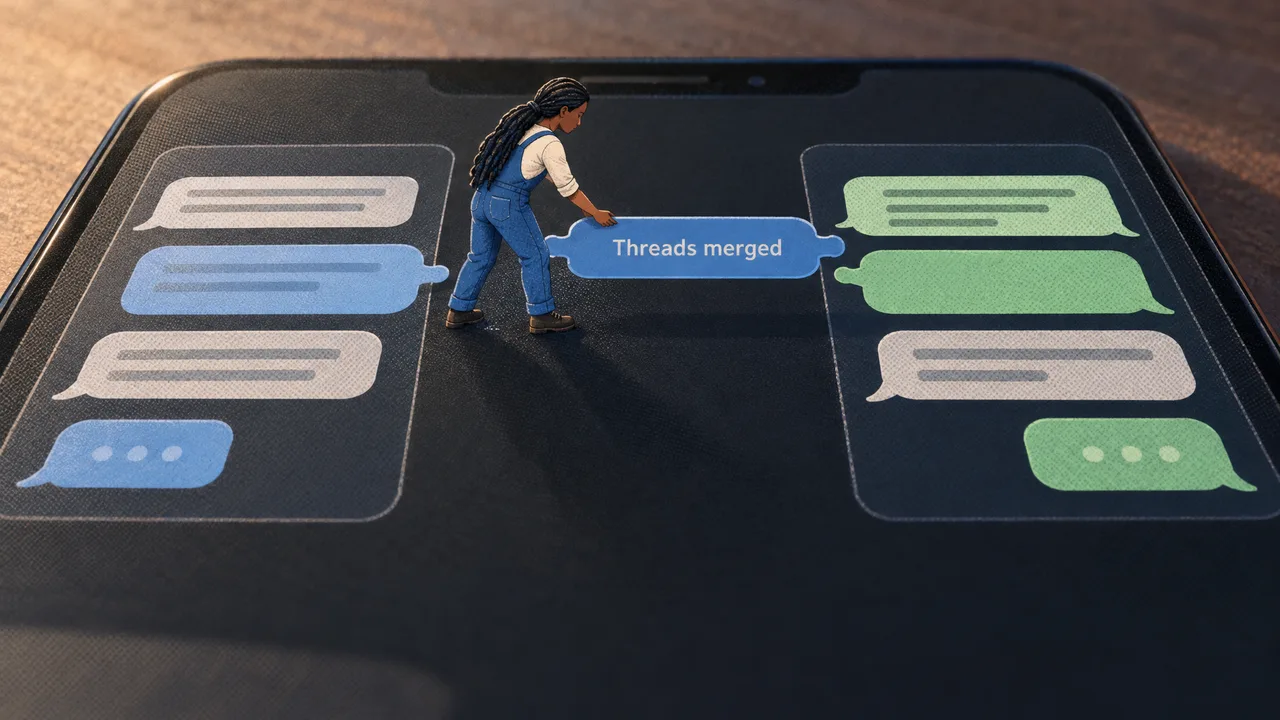
The Copy You Make Is Not the Record You Need
A chat history transfer on WhatsApp is the process of restoring a backup of your conversations onto a new device or phone number through the app's own encrypted backup path. It copies messages, media and call logs from one handset to another so the person holding the new phone sees their old threads. That is the whole scope of it.
The concept gets confused with three neighbor ideas, and the confusion costs teams money. Exporting is pulling a text file out of the app for an archive; it is one-directional and nobody can reply from it. Migrating is moving a number or account onto a business platform, which changes who answers messages and how they are logged. Transferring is copying a backup between devices. Only one of those three produces something a team can work from.
A short note on where the money sits, because it shapes everything downstream. Per-message pricing is the model Meta adopted for the WhatsApp Business API on 1 July 2025, replacing conversation-based pricing (BSG). Meta says businesses that access the WhatsApp Business Platform directly can pay by credit card or by credit line with Meta, which is invoiced monthly (WhatsApp for Business FAQ). Neither detail matters to a phone-to-phone restore, and both matter enormously the day history becomes a shared asset.
The distinction that actually decides outcomes is audience. A transfer serves one person on one handset. A business conversation serves a rotating team, a supervisor reviewing quality, and a customer who expects the thread to continue with whoever answers next. Those are different problems, and the backup mechanism was never designed for the second.
What Separates a Reliable Transfer Setup From a Fragile One
A transfer setup earns the word reliable when it survives the loss of a single device, a single employee, or a single encryption key. Check any option against four criteria, and be honest about which ones the free consumer path meets.
The first is who can read the result. A phone backup restores only on a device signed into the same account. A team platform shows the same conversation to every agent, which is what "get all WhatsApp chat history" really means for a support desk, not a personal archive.
The second is whether the export is vendor-issued. Backups created by the app itself carry support; text files reconstructed by a third-party tool do not, and neither does a screenshot of a chat.
The third is the cost model, which is where most budget surprises hide. A business conversation platform bills per message under the model above, so the price scales with volume rather than headcount. A consumer restore costs nothing and delivers nothing to the team. Forecast both before you commit.
The fourth is the fallback when the key is lost. Encrypted backups depend on a password or a 64-digit key the user controls, and losing it means the restore cannot proceed. A shared inbox with history stored server-side has no equivalent single point of failure, because no employee holds the only key.
| Criterion | Phone backup restore | Team platform with server-side history |
|---|---|---|
| Who can read it | One device, one account | Every authorized agent |
| Export provenance | Issued by the app | Issued by the platform |
| Cost model | None | Per message, forecastable |
| Failure mode | Lost key blocks the restore | Account access revoked per user |
Read that table as a decision aid, not a ranking. The left column is the right answer for a personal phone swap; it becomes the wrong one the moment two people need the same thread. If the hard part of your setup is what happens after messages arrive, the hard part of a WhatsApp integration is worth reading before you pick a mechanism.
The Move Itself, Done in the Right Order
Start with what you need back, not with a setting. Write down the conversations, media types, and date range that matter, then choose the path that delivers them. A restore that brings back ten thousand messages you cannot search has solved nothing.
- Inventory the data: list the chats, contacts and attachments that must survive, and mark anything under a dispute or open ticket.
- Pick the destination first. If the answer is "a new phone for the same person," use the app's backup. If the answer is "our team's shared inbox," you are migrating a number, not transferring a file.
- For a phone restore, confirm the backup already exists (local archive or cloud), then restore from it during setup on the new device using the same phone number and account.
- For a number migration, verify the number qualifies for the Business Platform and complete the official application before you touch the old device.
- Test with a small set: confirm a known conversation, one image, and one document came through intact before you wipe or hand back the old handset.
- Record what you did, when, and by whom. That log is the only audit trail a transfer will ever produce on its own.
Steps five and six get skipped, and they are the ones that turn a restore into a documented handover. If your team also answers customers on the website, a website chat widget keeps that history in the same conversation layer rather than a second disconnected channel.
Cloud Backup, Encrypted Backup and the Business Pipeline
Under the hood these are three separate machines that happen to touch the same messages.
Cloud backup is a dump. The app compresses its local message store, uploads it to the provider's storage associated with the user's account, and the restore downloads it onto the new device during setup. It is a snapshot, taken on the app's schedule, and it is only as fresh as the last upload.
End-to-end encrypted backup adds a lock. The payload is encrypted with a password or a 64-digit key that the provider does not hold, so the archive is opaque in transit and at rest. That is good for privacy and brutal for recovery: lose the key, lose the restore. The copy also still lives in a single account context, which is why two agents cannot open it at once.
The business pipeline works differently. Messages arrive at Meta's WhatsApp Business Platform, get routed by webhook to the team's software, and are stored server-side where every authorized agent can read them. Continuity is a permission problem, not a file problem: you grant a new agent access rather than restore anything. Per-message pricing applies at this layer, which is the honest trade-off for durability. Our own product runs here, and the two-way WhatsApp conversation design principles that make it work are the opposite of a backup restore.
None of these mechanisms is a substitute for the others. A backup protects a person's phone; a pipeline protects an organization's record.
Where People Go Wrong
Treating a restore as a migration is the mistake that bites hardest, because it looks complete. An agent restores history onto a new phone, sees every old conversation, and assumes the team now has it. The moment that agent is on holiday, the history is on holiday too. Avoid it by deciding, before any restore, whether the record needs to outlive one person's device.
Relying on third-party transfer tools carries a different cost. Tools that pull chats off a device can work for a phone swap, but they operate outside the official path, produce exports the app will not vouch for, and leave no support channel if something breaks midway. The safer habit is to keep the consumer path for consumer problems and reserve unverified tooling for nothing that involves customer data.
Assuming cloud backup is continuous is the quiet failure. A backup that runs on the app's own schedule means the last few hours, sometimes the last day, of messages may simply not be there when a restore runs. Check the timestamp of the last backup before you hand back a phone. If the gap matters, the conversation belongs somewhere that stores it continuously.
Mixing devices and numbers in one handover invites the worst outcome. A new phone with a new number and an old backup can silently split a thread across two identities. Pick the number first, then the device, then the backup, in that order, and never change all three at once.
About WhatsBox
We built WhatsBox for the case the restore mechanism cannot cover: a team that needs continuity when the person changes, not the phone. WhatsBox is a WhatsApp Business API messaging platform, which means conversations run through the official Business Platform rather than the consumer app. Our shared team inbox keeps session timers and assignment visible, so a conversation transferred between agents carries its context with it. We support bulk broadcast campaigns through the WhatsApp Business API, with workflow automations via embedded Zapier and integrations for Google Sheets and Google Forms.
Where that fits best is a support or sales desk with more than one person on the inbox and a need to prove what was said. The history stays server-side; nobody restores a backup to answer a question, and access follows the role rather than the device. The per-message model means you can forecast cost against volume instead of guessing at seats, and the platform tier is currently free during beta with no monthly fee, no user limits and no contract.
Plenty of situations do not call for this. A single owner-operator whose messages live on one phone, with no second agent and no dispute risk, is better served by the free app's own backup and nothing else. The same is true for a team whose WhatsApp use is still one person's side channel rather than a customer-facing function; adding a platform before you have a shared volume of conversations adds cost without solving anything.
If your continuity problem is real, the next step is a conversation about how your number, your history and your access model fit together. Reach us through our contact page, and see the pricing page for the current billing details of the Pay-Per-Use tier.
Frequently Asked Questions
What happens if I transfer chat history on WhatsApp?
The old device's messages appear on the new device through the restored backup, and the old device keeps its own copy unless you clear it or reset it. The transfer is a copy, not a move, so nothing is deleted from the source automatically. What you get is a personal archive tied to one account and one phone number, not a shared record, and any action against your account does not carry the history with it to a different number.
How do I copy my entire WhatsApp chat history?
Confirm a current backup exists in the app's backup settings, note its timestamp, then run the restore during setup on the destination device using the same account and number. For encrypted backups you also need the password or the 64-digit key that was set when the backup was created. The copy covers messages, media and call logs that were part of that backup, and anything newer than the last upload will be missing.
How do I transfer all chats from one WhatsApp to another?
Install the destination phone and sign in with the source account, choosing the restore option when prompted. Keep the source phone available until the download completes, and stay on Wi-Fi for large media libraries. If you are moving a number onto a team platform rather than a second handset, you are migrating rather than restoring, and the official application for the Business Platform comes before any device change, not after.